QuickBooks sales tax filing: How to simplify multi-state returns

Written by

Head of DemandGen, TaxCloud

Published

Updated
How to prepare your QuickBooks data for accurate sales tax filing
When it comes to running your business, Intuit QuickBooks works best as your sales data hub. Founders use it for operational purposes, while accountants rely on it to close the books and keep records accurate. For many small and mid-sized businesses, QuickBooks Online is the preferred version — streamlining workflows, organizing sales, and tracking both taxable and non-taxable revenue.
But here’s the catch: sales tax compliance isn’t just about collecting and calculating the right amount. Filing is just as important — and QuickBooks Online isn’t built for that. Think of it as the engine that produces the numbers you need, not the button that submits your filing to the state.
This article will explain how to use QuickBooks Online to make sure your business is 100% sales tax compliant.
Here’s how to prepare your QuickBooks Online data for sales tax filing:
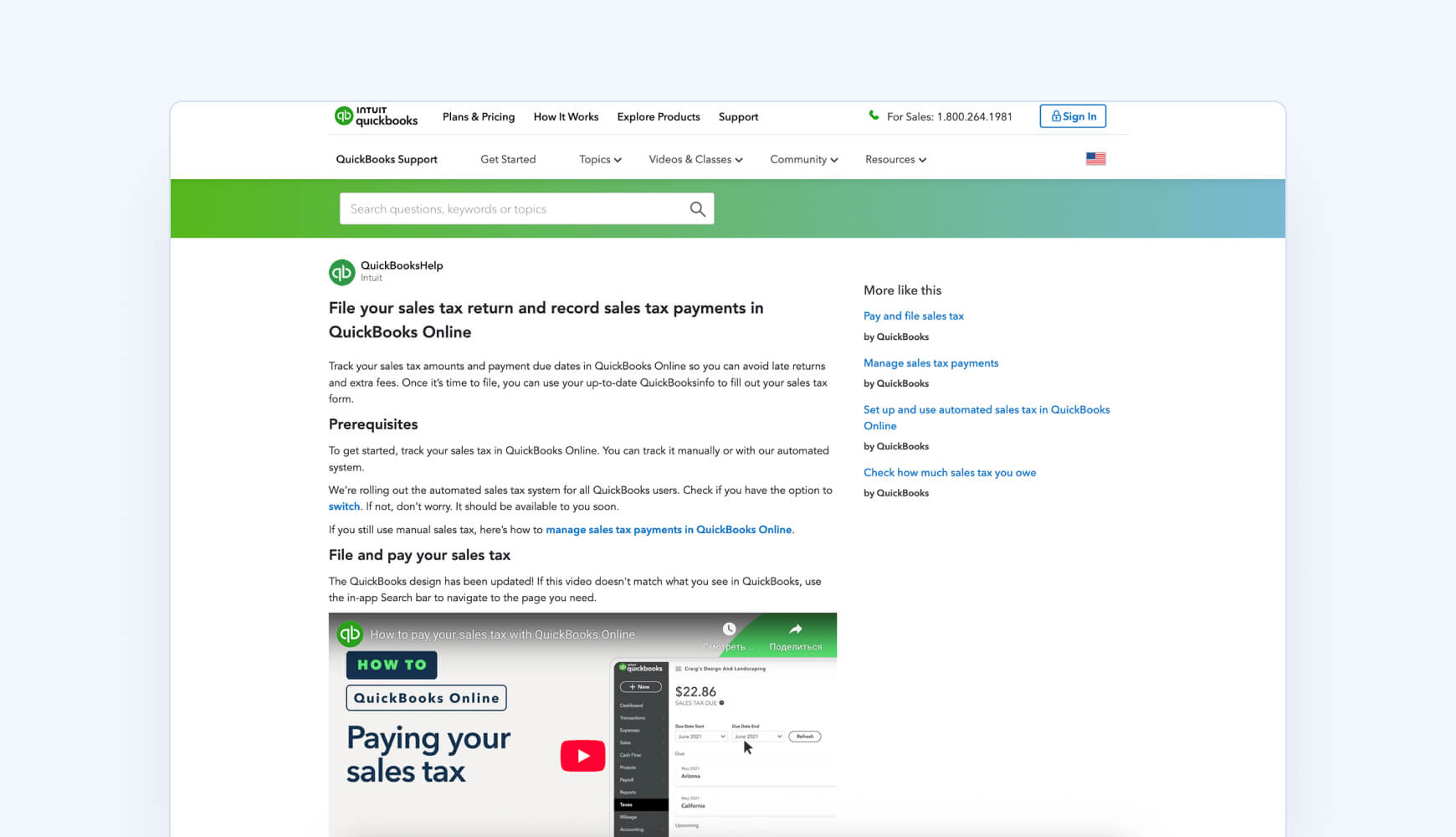
1. Clean up & organize your data
- Use the Sales Tax Liability Report to review gross sales, taxable vs. non‑taxable amounts, and total tax owed.
- Reconcile these numbers with your Profit & Loss and Balance Sheet to confirm accuracy.
- Make sure every transaction is coded correctly — don’t rely on journal entries unless necessary.
2. Review nexus and state-specific requirements
- Identify where you have sales tax obligations, especially if you’re selling across multiple platforms (Shopify, POS, etc.).
- Make sure each jurisdiction is correctly added in QuickBooks Online with proper tax agencies and codes.
3. Prepare your filing summary in QuickBooks Online
- Navigate to File Sales Tax in QuickBooks Online’s Taxes section and click Prepare Return for your jurisdiction.
- Double-check that the reporting period, taxable sales, and adjustments (credits, discounts) are correctly reflected.
4. Use QuickBooks Online for summary, but file elsewhere
- QuickBooks Online doesn’t file returns for you. Copy the key figures (e.g., taxable sales, tax due) from QuickBooks Online’s return preview into your state’s filing portal.
- If needed, record your payment immediately after filing to keep your books balanced.
If you’ve ever gone hunting for a “file tax” button in QuickBooks Online, you already know — it doesn’t exist. To file sales tax, you’ll need to manually structure your QuickBooks data to match each state’s filing requirements, reconcile your accounts, and calculate exact liabilities. Then you’ll have to log into each state’s portal to file and remit payment.
This might be manageable if you’re only filing in one state. But once you’re dealing with multiple states, it quickly turns into a tedious, error-prone process.
That’s why sellers automate the entire workflow with a sales tax automation software like TaxCloud.
TaxCloud syncs your QuickBooks invoices, auto-fills state returns, and records payments — all while keeping your compliance airtight across states.
What QuickBooks Online does (and doesn’t) handle for sales tax
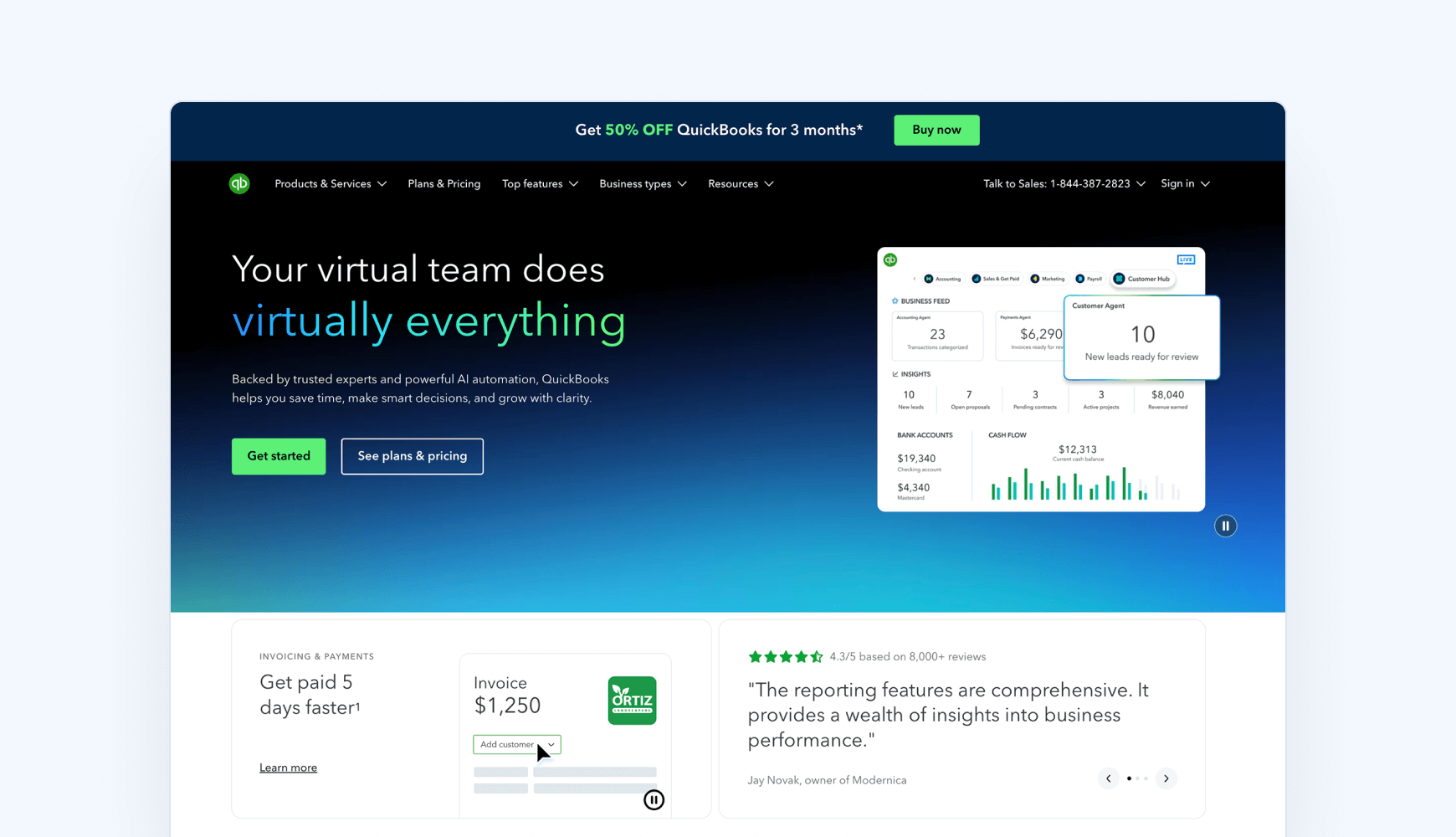
QuickBooks Online gives you basic tools to help track and calculate sales tax — but it stops short when it comes to filing and staying compliant across states.
If you’re relying on QuickBooks Online alone, you’ll need to prepare data manually, log into each state’s portal, and risk missing deadlines or nexus thresholds you didn’t know you’d crossed.
What QuickBooks Online can do:
- Calculate sales tax based on QuickBooks Online sales data, customer location, and product type
- Pull rates from Intuit’s built-in database
- Track economic nexus thresholds (only from QuickBooks Online recorded sales)
- Show deadlines, amounts due, and reports via the Sales Tax Center
- Help prep returns and manually record payments
What QuickBooks Online can’t do:
- File or remit sales tax returns
- Alert you when you cross nexus thresholds outside of QuickBooks Online
- Track sales across external platforms like Shopify or Amazon
- Register you with new states
- Sync or reconcile tax data across systems
- Provide centralized, audit-ready records
Why sales tax filing in QuickBooks Online doesn’t scale
Filing sales tax with QuickBooks Online alone is a limited and fairly manual process. If you have the luxury of a finance team or a CPA to manage sales tax for your business, using QuickBooks Online alone to handle sales tax filing and compliance might be doable.
But if you’re a business owner juggling everything yourself, or a business that sells across multiple states and platforms, attempting to stay compliant and file without alerts, syncing, or automation becomes a serious time sink and compliance risk.
Each filing cycle, you’re stuck repeating the same steps:
- Pull sales tax liability reports from QuickBooks
- Log into each state’s tax portal separately
- Enter and file each return by hand
- Remit payments to multiple tax agencies
- Re-enter those payments in QuickBooks Online to keep records in sync
Even one missed deadline or incorrect entry can trigger a notice or an audit.
What to use instead: QuickBooks Online + sales tax software that automates sales tax filing for you
QuickBooks Online does a decent job tracking tax inside its own system. But filing across states, syncing across platforms, and staying compliant long-term? That’s where sales tax software like TaxCloud steps in.
TaxCloud integrates directly with QuickBooks Online to automate the hard parts: tracking nexus across all your sales channels, filing and remitting in every required state, and keeping your records audit-ready.

Why QuickBooks Online + TaxCloud is the smarter compliance stack
Combining QuickBooks Online with one of the best sales tax software like TaxCloud gives you a smarter, fully automated system that covers what QuickBooks Online alone can’t.
- Real-time tax calculations on QuickBooks Online invoices and estimates (no manual overrides)
- Automated filing and payment across states (no more portals or missed deadlines)
- Nexus tracking that covers your full business activity, not just your QuickBooks Online data
- Easy registration support when you’re on the hook to collect
- Save time and money filing in 24 SST states for eligible businesses
- Audit-ready reports and proactive error alerts
- Responsive support from US-based sales tax experts
QuickBooks Online vs. TaxCloud: Filing, tax settings, and personalized help
| Feature | QuickBooks Online Only | QuickBooks Online + TaxCloud Integration |
|---|---|---|
| Multi-State Filing | ❌ Manual Only | ✅ Automated |
| Nexus Tracking | ⚠️ QuickBooks Online Data Only | ✅ Multi-platform and multi-channel Tracking |
| SST Filing (save time and money filing in 24 States) | ❌ Not Covered | ✅ Included |
| Audit-Ready Reports | ⚠️ Limited | ✅ Centralized & Exportable |
| Invoicing Sync | ✅ Yes | ✅ Yes + Real-time Calculations |
| Filing Reminders & Alerts | ⚠️ No proactive alerts | ✅ Built-in Compliance Checks |
| Human Support | ❓ General QuickBooks Online Help | ✅ US-Based Sales Tax Experts |
Tired of wrestling with sales tax in QuickBooks?
TaxCloud automates filing, remittance, and recordkeeping using your QuickBooks data — no manual uploads, no missed deadlines, no portal logins. Let TaxCloud handle the compliance workload that QuickBooks Online and QuickBooks Desktop can’t.
QuickBooks sales tax filing — FAQs
No. QuickBooks Online does not file or remit sales tax automatically. It can generate sales tax reports to help you prepare your filings, but you’ll still need to log into each state’s tax portal and submit returns manually.
You’ll need to:
- Review your Sales Tax Liability Report in QuickBooks Online
- Log into each state tax portal to enter and file returns
- Manually record payments in QuickBooks Online to keep your books up to date
Learn more: How to Pay Sales Tax in QuickBooks Online.
Yes, but it’s manual. QuickBooks Online doesn’t track economic nexus across platforms outside of QuickBooks Online, and it won’t notify you when new state obligations are triggered. If you’re expanding across states, QuickBooks Online alone won’t scale with you.
Use sales tax automation software that integrates with both platforms. For example, TaxCloud syncs directly with QuickBooks Online and Shopify to handle everything from rate calculation to multi-state filing. No manual uploads, missed thresholds, or deadline tracking required.
Here’s what can go wrong:
You miss nexus thresholds because QuickBooks Online only tracks QuickBooks Online sales
You file late because QuickBooks Online doesn’t send alerts or reminders
You misreport data because you’re doing parts of the process manually
You get audited and lack centralized records for defense
Sales tax mistakes are expensive. Automation helps you stay compliant as you grow.