Odoo Sales Tax Compliance
TaxCloud’s Odoo integration brings automated sales tax collection and filing directly into your business operations. Free up time to grow your business without the hassle of sales tax.
This integration is built and supported by Sodexis. Setup guide
Manage your sales taxes better in Odoo
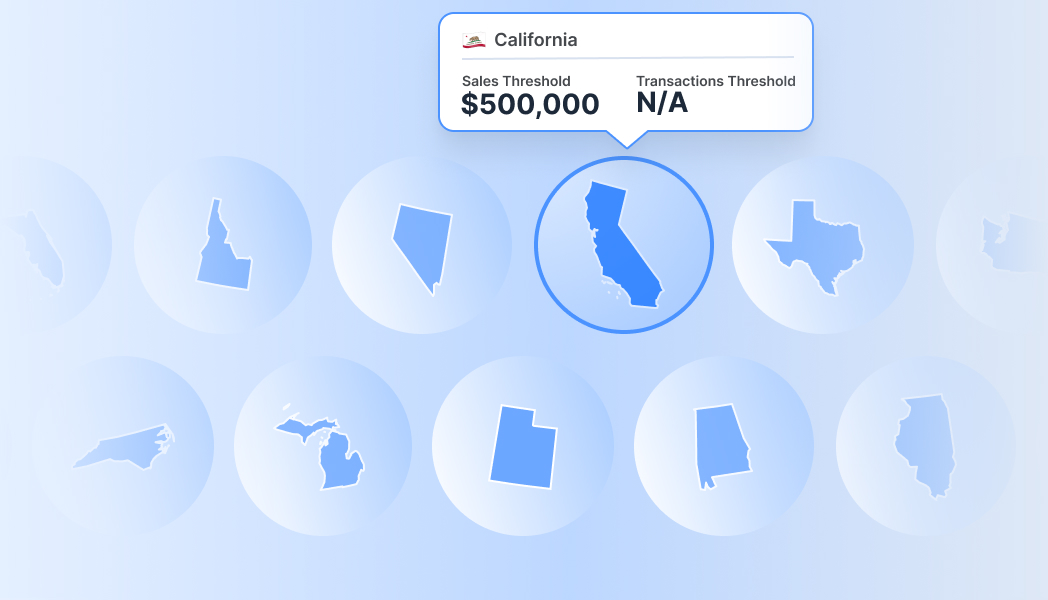
TaxCloud partners with Sodexis, an Authorized Odoo Partner since 2012, dedicated to enhancing business efficiency through the Odoo system. Our official Odoo connector is an approved integration, tested and certified by TaxCloud. This integration seamlessly connects to all your Odoo stores, identifies where you’re required to collect sales tax following economic nexus laws, and produces return-ready reports for each jurisdiction.
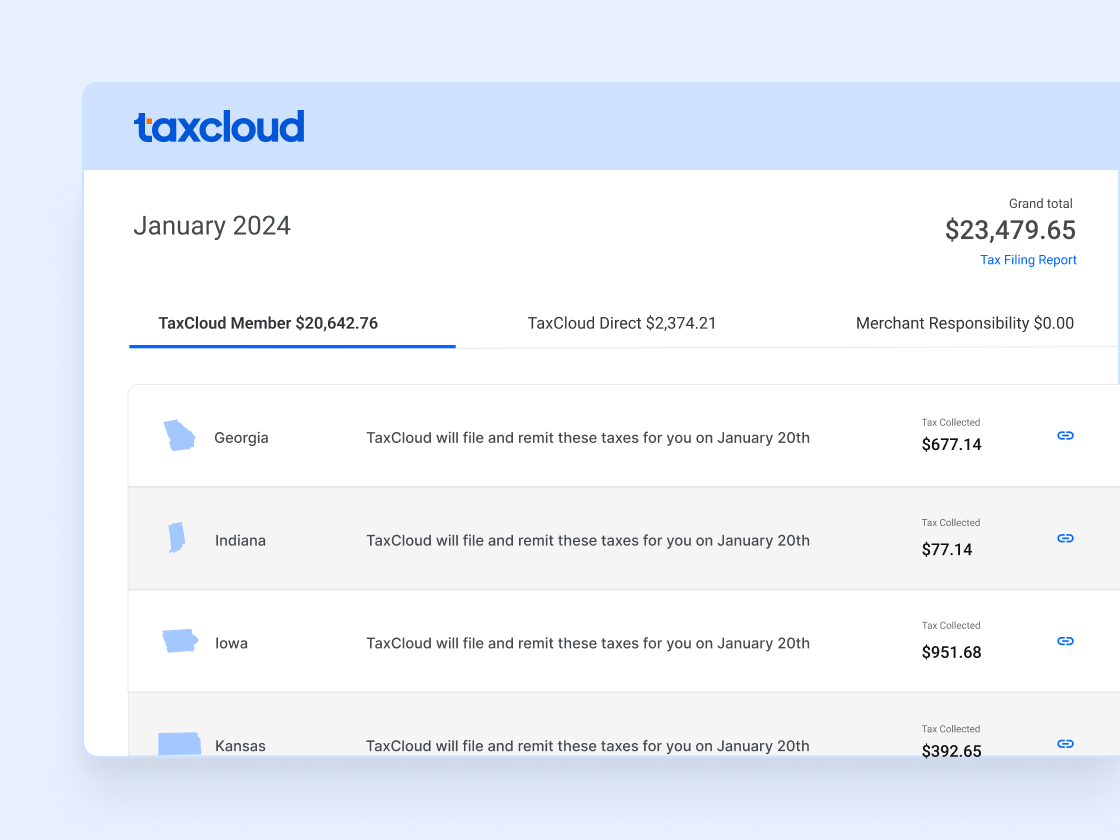
Seamless Integration with Odoo
Integrating TaxCloud with Odoo is straightforward. Start by connecting your TaxCloud account to your Odoo ERP system, and manage all your eCommerce and ERP taxes in one centralized location.
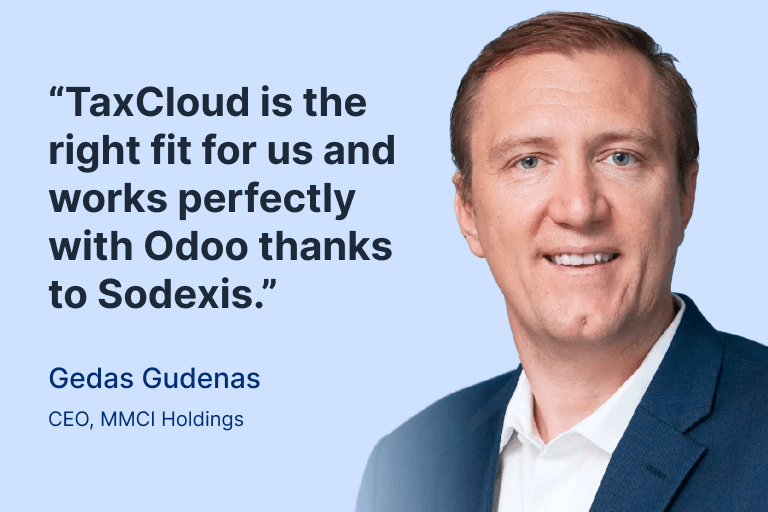
“It just made sense for us to switch to TaxCloud. TaxJar wasn’t integrated with Odoo, and TaxCloud’s API and pricing model fit much better. TaxCloud is the right fit for us and works perfectly with Odoo thanks to Sodexis.” — Gedas Gudenas, CEO at MMCI Holdings
- 4
- Business units under TaxCloud
- $0
- Wasted on oversized tax solutions after switching

How to Connect TaxCloud with Your Odoo Platform
Looking to add TaxCloud to your Odoo-powered online store? Our easy-to-follow guide will help you link TaxCloud with your Odoo account quickly, so you can start in no time.
Frequently asked questions
Yes, to begin the integration process, you should download the app from the Odoo Apps store. This is the first step to ensure that the TaxCloud module is correctly installed in your system. You can find the app here.
After downloading and installing the app, you can follow the detailed installation guide provided to ensure complete setup.
To configure TaxCloud with Odoo, navigate to Accounting → Configuration → Settings → TaxCloud in your Odoo dashboard. Enter your TaxCloud API credentials, including the API ID, API Key, and the Default Category.
Use the refresh button at the bottom of the Default Category to import Taxability Information Codes (TIC) product categories from TaxCloud. This configuration is essential for integrating Odoo with TaxCloud, enabling the automatic tax computation feature.
TaxCloud supports Odoo version 17 or newer for Odoo.sh and Odoo On-Premises hosting options. However, integrations are not available for Odoo Online (also referred to as Odoo SaaS), regardless of version, because Odoo Online does not allow third-party integrations.
Odoo Online (also referred to as Odoo SaaS) users who wish to integrate with TaxCloud will need to switch their hosting option to either Odoo.sh or Odoo On-Premises. Our integration partner, Sodexis, can assist with this migration. Please note that additional fees may apply for migration support.
No additional software is required beyond the TaxCloud module for Odoo. However, for “On-Premise” customers, the downloaded TaxCloud modules must be added to a custom folder and the path should be specified in the Odoo config file.
“Odoo.sh” customers do not need to perform any additional steps regarding module path configuration. After adding the module and restarting the server, you simply activate the TaxCloud integration through the Apps menu in Odoo.
Yes, the TaxCloud integration with Odoo allows for the management of sales tax across multiple storefronts or companies. Odoo’s comprehensive ERP system, combined with TaxCloud’s tax computation capabilities, provides a robust solution for handling sales tax complexities in various business operations and configurations.
For any technical questions about Odoo and TaxCloud integration or for additional support, please contact us at taxcloud@sodexis.com. We will be happy to assist you throughout the installation process and answer any questions you may have.
Yes. Starting in Odoo V17, TaxCloud supports direct integration with Odoo PoS. This enables real-time tax calculation for in-person sales, accurate tax display at checkout, customer fallback handling, and offline transaction support.