Easily upload transaction data to TaxCloud

Move transaction data into TaxCloud without developer resources or API access. Easily upload monthly transactions, import historical or marketplace orders, and make adjustments before filing.
New to TaxCloud? Start with a free 30-day trial
Built for every upload workflow

Import historical data
If you’re migrating from another provider or backfilling past filing periods, CSV uploader lets you import historical orders accurately as you need them.

Consolidate marketplace orders
Selling across multiple marketplaces? CSV uploads give you a way to bring transaction data from any channel into TaxCloud for accurate nexus tracking and filing.
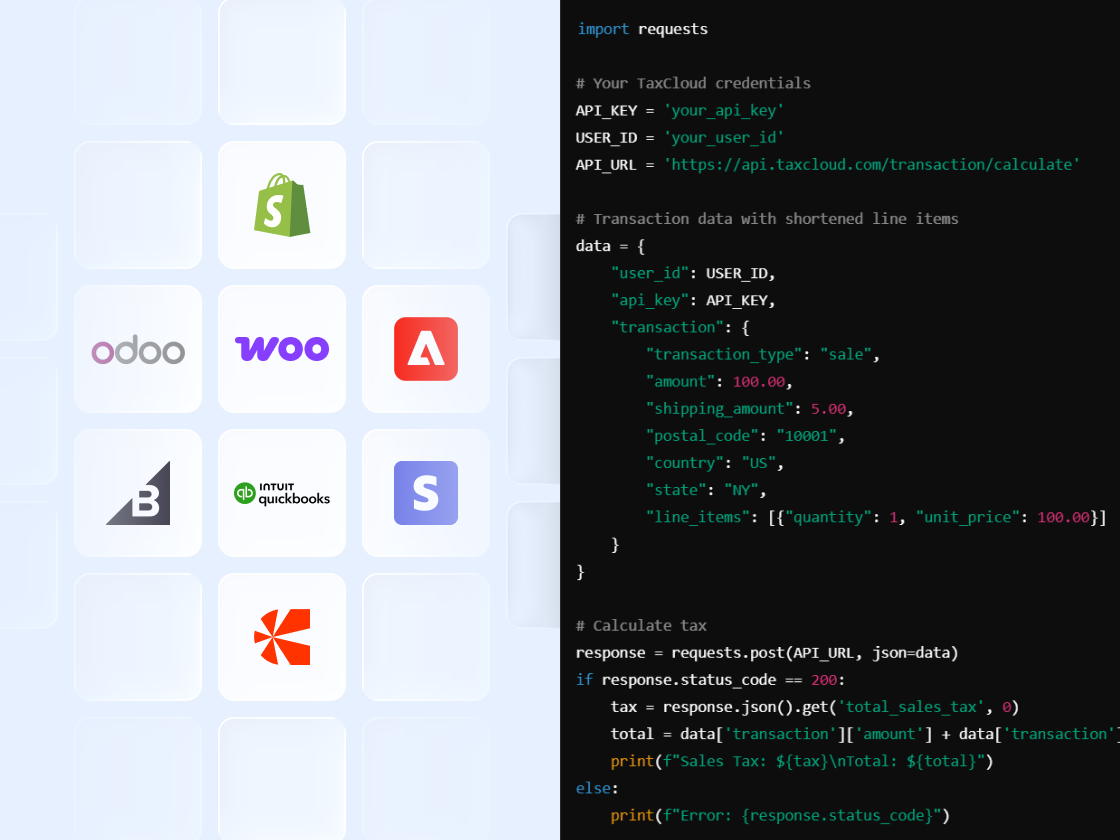
Upload data from other platforms
Businesses using tools outside of TaxCloud’s pre-built integrations can bring transaction data in without developer resources or API access.

Adjust orders before filing
Use CSV uploads to add corrections, refunds, or late-arriving transactions before your filing deadline each month.
Frequently asked questions
TaxCloud accepts CSV files formatted to its standard structure. You can download the template from your TaxCloud account before uploading. The system automatically corrects common formatting issues like date formats and how returns are represented in the file, so minor inconsistencies won’t block your import.
TaxCloud validates your file in real time and flags issues before the upload is finalized, including duplicate transactions and returns without a matching original. You’ll see exactly which rows and fields have problems, with the option to fix them in the TaxCloud interface or download only the affected rows to correct offline. Successful rows are not blocked by errors elsewhere in the file.
Yes. CSV upload supports importing historical transaction data when switching providers. You can backfill past filing periods accurately, which matters for nexus tracking, audit readiness, and confirming that no prior-period liability is missed during migration.
CSV upload lets you bring transaction data from any channel into TaxCloud, including marketplaces and platforms outside TaxCloud’s pre-built integrations. This gives you unified nexus tracking and filing data across your full sales footprint without relying on third-party connectors or developer work.
No. You can continue uploading CSVs the same way you do today. No changes are required to existing workflows. The experience is simply more reliable and easier to use.