TaxCloud for QuickBooks Desktop: Automated sales tax compliance
TaxCloud’s QuickBooks Desktop integration helps businesses stay compliant and manage sales tax with confidence as they grow.
Are you an accountant or bookkeeper? See how we can help.
Over 2,000 companies have chosen TaxCloud as their sales tax solution
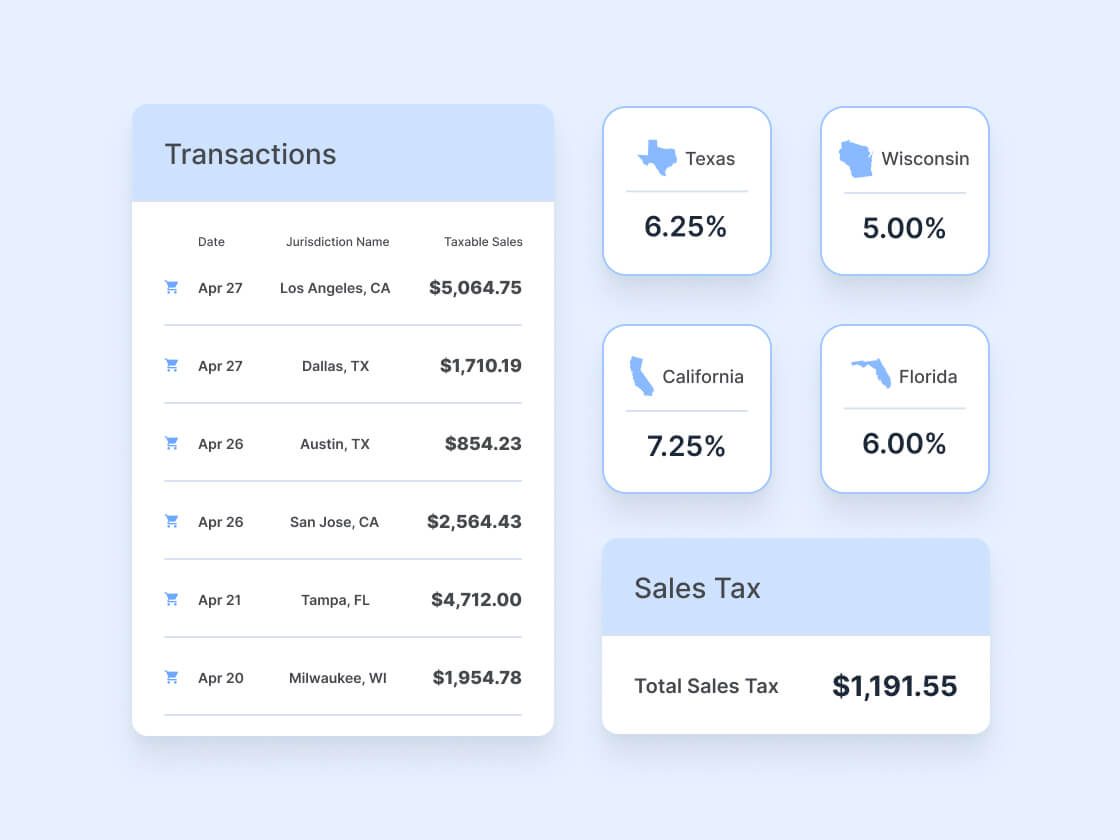
Real-time sales tax calculations
TaxCloud applies the correct sales tax rate every time you save a document, with the tax line added right onto your invoices, sales receipts, or credit memos.
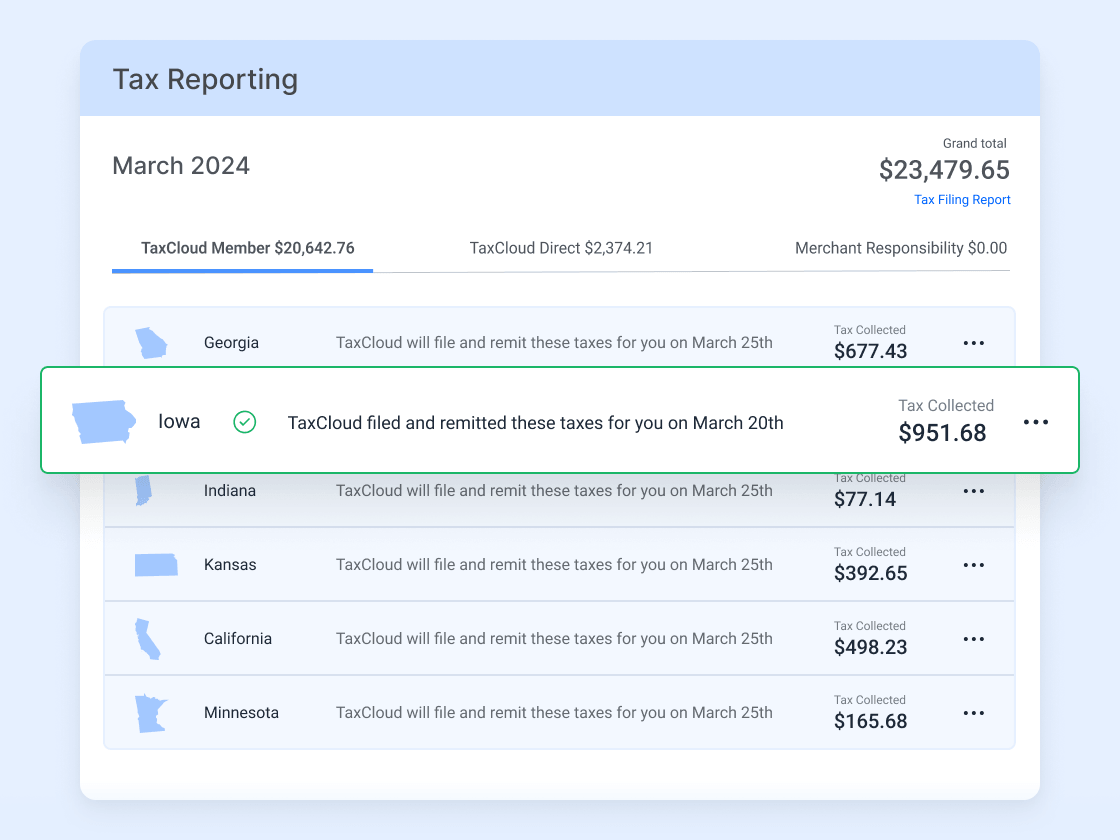
Automated filing across states
Transactions are captured in TaxCloud automatically, then filed and reported across every state you sell in. No manual export, no uploads.
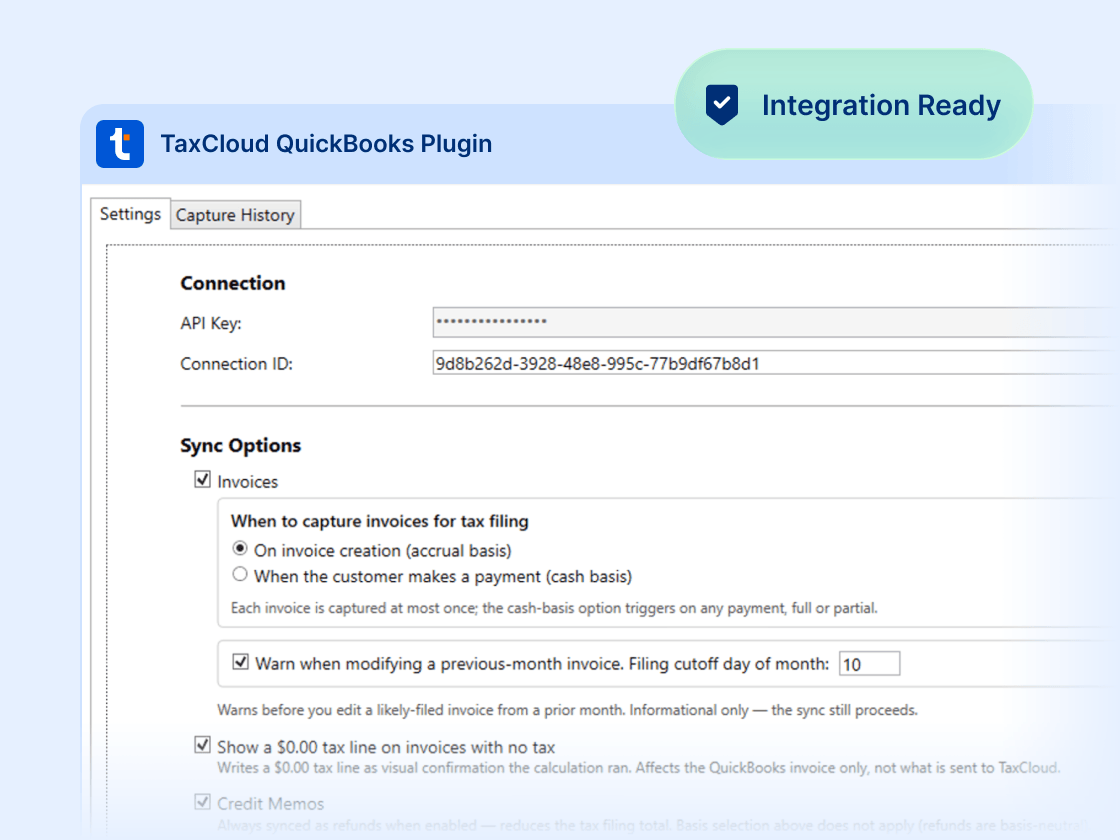
Set it and forget it
TaxCloud installs once on your device and runs in the background, with automatic updates that keep it current, so you stay compliant without changing how you work.

Dedicated US-based customer support
Get access to a dedicated customer success manager and our in-house support team: real people who understand sales tax, guiding you through onboarding and beyond.
Frequently asked questions
Yes. TaxCloud’s QuickBooks Desktop integration is available on the Premium plan. It calculates the correct sales tax in real time on every invoice, sales receipt, and credit memo as you save, then captures those transactions in TaxCloud to handle the rest of compliance: nexus tracking, registrations, filing, and reporting across every state you sell in.
Yes. An optional backfill pushes your historical transactions into TaxCloud for filing visibility, without changing your existing QuickBooks Desktop invoices.